GolfBays

GOLF BAYS BLOGS

Product deep-dives, enclosure & simulator advice, and much more…

SHOWING 64 TO 72 OF 85 RECORDS

How much room do you need for a golf simulator?

October 18, 2022

By Robert Hart

How much room do you need for a golf simulator?

One of the biggest questions for those who are looking to get a golf simulator in their house, business, or wherever is how much room do you need for a golf simulator? Any golf simulator will essentially be usable as long as you have enough space to swing your longest club. This isn’t an excessive amount of space and most people can fit one in their house or building easier than they thought.   For an average height person, you will only need about eight and half feet of ceiling height to swing a club. While it is recommended to have taller ceilings than that for the projector or for taller players, it is definitely possible to fit one into a room that has average or shorter ceilings like this.     The next thing to think about is the width and length of the golf simulator area you are planning. A good rule to go by is having at least 10 feet in either direction. This gives simulators the space needed to properly track your hits and also enough space to swing your club freely. At minimum when setting up a golf simulator, make sure you have ceilings at least eight and half feet tall with 10 feet of width and length as well.   There is a lot that goes into a golf simulator that people don't account for when planning the set up of one of the machines. The first thing is the launch monitor which should be in a protected place where it won’t get hit by a club or a ball. This needs a good amount of room as well because some can be fairly big. It should also be set up at least 10 feet from the next piece of equipment to ensure you have room for the impact screen. The impact screen shouldn’t be right up against a wall either as it could affect how the simulator tracks and could damage the wall.   Finally people will normally choose to buy a sim enclosure to keep everything within the space you have allotted for the golf simulator. This keeps errant shots from being launched out into your living room or good shots from bouncing off of the screen as well.   The room for a golf simulator depends on each person and the set up that they have. For the most part all of these steps in this article can be followed and you should have the adequate space for a golf simulator. Make sure to account for all of the equipment you will be getting and how it will be set up when planning your golf simulator of your own.
Optishot 2 Launch Monitor Review

October 18, 2022

By Robert Hart

Optishot 2 Launch Monitor Review

The Optishot 2 is an interesting model of launch monitors. It was built to be small, easy to use, and to be affordable. They definitely were successful in making this as it is one of the best selling golf simulators of all time. Just because it was made simply and at an affordable price for the masses doesn't mean that it isn’t good though. It is great for those who want a golf simulator at a good price that works really well and can be used essentially anywhere.   Infrared Sensors   Optishot 2 doesn't use any high speed cameras to get the data they need to analyze your swing to decipher how the ball will travel. They use these infrared sensors to track the club as you swing it back and through where the ball is teed up or where it would be teed up. We say where it would be teed up because it isn't even necessary with Optishot to use a ball. They analyze the club data and determine based on your swing where the ball will travel and how it will travel. This can be a downside for some people or a bonus for those who don't want to chase around balls or don't have a ton of space to set up a screen and sim enclosure.   Shot Accuracy   While there is no actual ball that the Optishot tracks, just the club, it is remarkably accurate with how it displays your shots. Users say that it is the most accurate for iron and wood shots but can struggle a bit with chipping and putting. A lot of players on simulators don't even use the putting feature on most simulators so it is somewhat unimportant for a lot of people. Optishot also has a club calibration feature where users can calibrate their clubs to get an even higher accuracy rating.   Features   For a good price Optishot has it all. While it may not rival some of the more expensive models that can be five or even 10 times more expensive, they do offer a good amount of features that those more expensive models have as well. It is impressive what is packed into this launch monitor. A really cool feature is the ability to play online against other users. It is one of the few simulators to have this feature.   The Data   Optishot doesn't track the ball and a ball isn't even needed to play. With this being said, there is a good amount of data that you can find out about your club and overall swing. Not having a ball can be a big reason why players may not want to go with this model, but for the price you get so much with the Optishot 2.
Trackman Launch Monitor Review

October 18, 2022

By Robert Hart

Trackman Launch Monitor Review

Trackman Launch Monitor Review   You are really going to want to do a lot of research and take your time with a purchase of a Trackman as this golf simulator is one of the most expensive on the market. The reason it is one of the most expensive is because it gives the most data and is the most accurate reads according to a lot of people. This simulator has all that you can want in a launch monitor. Expect to get a great experience with the Trackman. For one of the most consistent and accurate systems look to the Trackman. It was designed for training and practicing your swing due to the accuracy and data that they provide their players on the system.     Radar Technology   The best and greatest technology is used to track your club and ball with the Trackman. This launch monitor sits behind the player and will track essentially everything that is occurring in front of it. The radar technology that they used is patented and is seen as the top in the golf simulator world. PGA professionals will use this to work on perfecting their swing down to the smallest tweaks because everything is tracked with precise accuracy.   Accuracy   This launch monitor is basically second to none on accuracy. We mentioned before that it is trusted by PGA Tour pros to help them make minor adjustments in their swing. One of the most important things about accuracy though is that it is consistent as well. You want your golf simulator to give you the same results on the hits you are doing over and over again so you can really tune in your swing effectively. The Trackman is great at that. It was designed for training and practicing as it is one of the most accurate systems that we have seen on the market yet.   Features   Essentially any feature that you can find on all other golf simulators is found with the Trackman. This thing can do it all. The best feature though is the accuracy of it. We can not talk enough about how good it compares to any other simulator. The price is extremely hefty, but if price is not an issue, then the Trackman should be your best bet for getting the most out of a simulator and launch monitor.   Data   Compared to the majority of other golf simulators, this one has over double the amount of things tracked in your club and ball. For those looking for a truly in-depth look at the data of how they are swinging and how it is affecting the ball with every swing, this one should be for you. There is so much to break down and look at that it can be overwhelming, but if you know what you are looking at it can be really beneficial to your game as well.
Garmin R10 Launch Monitor Review

October 18, 2022

By Robert Hart

Garmin R10 Launch Monitor Review

When the Skytrak golf simulator came onto the market it really changed how golf simulators were perceived. It was a giant step in golf simulation technology. The Garmin R10 model was launched in just 2021 and it was seen as being similar to when the Skytrak first launched. It is truly that good and comes at an affordable price. The features and system as a whole rival what other launch monitors do for double or more the price. In this review we will look at how the Garmin R10 works, the accuracy of the simulator as a whole, the features, and the data that they provide users as well.     Radar Technology   While there are different ways to track club and ball data with golf simulators, Garmin uses radar technology. It has a small doppler radar compared to some of the other models but still provides accurate readings up there with some of the top of the line models. Cameras are also used to record every one of your swings. It makes it one of the top golf simulators at a fair price based on all that it can do.   Shot Accuracy   This won’t be the most accurate system, but for the price it is really good. Some of the top and more expensive models will do a better job of tracking accurately, but you can get a reasonable experience with the Garmin R10 as well. Some users really think that this provides great accuracy while some others claim that they are mildly disappointed with how it tracks. This leads us to think that it is good but not the greatest. But, yet again, for the price it seems like it is really good.   Features   Impressively, the Garmin R10 has over 42,000 courses that you can play on. Their systems allow for essentially any course to be played on. Don;t be surprised if one or nearly all of your local courses can be played on the system. This can make it a great system to practice on if you are going to go out and play your local courses you can get a practice round in before. Another cool feature is the ability that just a handful of other golf simulators offer, which is the ability to play online against others in tournaments and matches.   Data   Because every single shot is recorded on their cameras there are over 14 different data points that they provide. Additionally, there are 10 hours of battery life so you can play it inside while on the go and take it outside as well for long periods of time. All of the most important data that you could want is provided on the Garmin R10 and there really are no complaints about this aspect of it.
A close-up of a thick green golf hitting mat on a concrete garage floor in a home simulator, with a ball on a rubber tee and an iron resting on the turf

October 18, 2022

By Harrison Peck

Best Golf Simulator Mats UK: Hitting Mats for Every Budget (and Every Pair of Wrists)

Every shot in a golf simulator is played off the hitting mat, so it takes more punishment than anything else in the room, your elbows included. A good one cushions the heavy strikes, holds the tee you want and sits flat for the launch monitor. These are the 10 mats we'd put in a UK garage or spare room, grouped by what you need the mat to do. Quick summary Our pick for most home simulators is the GolfBays Quad Tech at £229: 1.5m square and 30mm deep, with 4 layers built to go easy on your wrists. On a tight budget, the GolfBays Standard at £199 gives you the full 1.5m x 1.5m with shock absorbers on a heavy rubber base. Buy a mat big enough for both feet and the ball, which in a simulator means 1.5m x 1.5m or more. To tee up with a real wooden tee at any height, choose a nylon insert tee mat, from £329 for 1.5m x 1.5m. Keep a camera launch monitor level with the top of the mat: on a 30mm mat, that means standing it on the mat or raising it 30mm. On a concrete garage floor, 20mm EVA foam underlay at £85 for 5 square metres cushions the floor and cuts the noise. Best golf simulator mats at a glance Prices are GolfBays prices on 30 September 2026. Within each group the mats run cheapest first, and our overall pick is number 5. Hitting mat Size Teeing up Best for Price 1. GolfBays Standard 1.5m x 1.5m Tee peg holes A first simulator on a budget £199 2. GolfBays Teaching 1.5m x 1.5m 4 tee holes Spreading the wear £239 3. GolfBays Tri Turf 120 x 180cm Insert tee strip Practising different lies £329 4. GolfBays Combi Mat Duo 185 x 129cm Real tee in the nylon insert Irons and driver off one mat £429 5. GolfBays Quad Tech 1.5m x 1.5m Rubber tee holes Most home simulators £229 6. TrueStrike Mk7 Portable 1 gel section TrueStrike tees Gel feel on a budget £354 7. TrueStrike Mk7 Static Gel plus 2 range sections Tee holder and TrueStrike tees Iron practice £582 8. GolfBays Nylon Winter Insert Tee Mat 1.5m x 1.5m Real tee anywhere Teeing up like the course £329 9. GolfBays Winter Insert Tee Mat 3m x 1.5m Real or rubber tees A wall-to-wall hitting area £599 10. TrueStrike Mk7 Academy Gel plus 4 range sections Tee holder and TrueStrike tees A centre hitting position £798 How we chose these hitting mats 4 things, in the order they rule mats out: the size, what sits under the turf, how the mat holds a tee, and what the mat has to sit on. Price comes last, because a cheap mat that jars your elbows gets replaced, and a small one leaves a foot on the floor. If you're buying the bay in one go, some of the complete home golf simulators we sell come with the Standard mat below in the box, so check the package before you buy a second one. Best budget golf simulator mats In a cheap golf simulator, the mat is the part not to skimp on. You stand on it for every shot, and a thin one on a concrete floor sends every heavy strike straight up your arms. 1. GolfBays Standard Hitting Mat: best under £200 Shop now → The Standard is the mat we'd start a first simulator on. It's the full 1.5m x 1.5m, so your feet and the ball share the same surface with every club, and at 29mm deep it has shock absorbers built in over a heavy rubber bottom that keeps it where you put it. It has holes for tee pegs, and it's made for sim rooms, gardens and commercial centres alike. The GolfBays Standard Hitting Mat is £199. The catch: you tee up from its tee peg holes, not wherever you like. If you want a wooden tee at exactly the height you use on the course, look at the nylon insert tee mats further down. Shop now → The GolfBays Basic hitting mat is the same 1.5m square with a rubber bottom and tee peg holes, 27mm deep, for £189. For £10 more, the Standard adds shock absorbers and 2mm of depth. Best all-round golf simulator mats These 3 do more than one job: a mat that shares its wear around, one with 3 lies to hit from, and one that swaps between an iron strip and a driver strip. 2. GolfBays Teaching Hitting Mat: best for spreading the wear Shop now → The Teaching mat is a range mat made for coaches, and the same things make it a good all-rounder in a bay that gets used most evenings. It's high-grade nylon sport turf on a foam base that softens the club's impact, 29mm deep in all, and it's built for winter and summer use. The clever bit is the tee holes. There are 4, one on each edge, so you can turn the mat 90° and still have a tee hole in the same spot, with fresh turf around it. The teaching markings, a yellow cross inside a white frame, give you something fixed to line up against. The GolfBays Teaching Hitting Mat is £239, with a 5-star average from 19 reviews on our site. The catch: the markings are there for good. If you want a plain green mat that looks like a fairway, this isn't it. 3. GolfBays Tri Turf Hitting Mat: best for practising different lies Shop now → Most mats give you the perfect lie every time, which the course never does. The Tri Turf gives you 3 strips to hit from, in insert tee turf, fairway turf and rough turf, set into a 120cm x 180cm mat with room to stand. It's built for indoor or outdoor use and for home or commercial bays, so it'll do a garden net in summer as happily as a garage simulator in winter. The GolfBays Tri Turf Hitting Mat is £329. The catch: it's a different shape from the 1.5m square most simulator bays are planned around, so mark where the ball will sit before you order. 4. GolfBays Combi Mat Duo: best for switching between irons and driver Shop now → The Duo is a 120cm x 120cm stance mat with a 30cm x 120cm hitting strip set into it, and the strip comes out. You get 2: a turf insert for irons, made from the same material as the stance mat, and a nylon insert that takes a real wooden tee for your driver. It measures 185cm x 129cm overall, it's built for indoor and outdoor use, and it suits left and right-handed golfers. The GolfBays Combi Mat Duo is £429. The catch: changing club type means changing the strip, which is fine for a practice session and a faff in the middle of a round. Shop now → For a mat with the ball tray built in, the GolfBays Combi Mat Single Handed comes as a kit for £389: a 129cm x 159cm rubber base, a 120cm x 120cm hitting mat, a 120cm x 30cm winter tee strip and a rubber ball tray. Best joint-friendly golf simulator mats If you hit balls most evenings, what's under the turf matters more than the turf. These 3 are built to give a little when you catch one heavy. 5. GolfBays Quad Tech Hitting Mat: our pick for most home simulators Shop now → The Quad Tech is built in 4 layers, a soft artificial grass top, shock-absorbing bristles and a foam layer over a heavy rubber base, to protect your wrists, arms and lower body through a long session. It's the full 1.5m x 1.5m and 30mm deep, with rubber tee holes, and all 13 of its reviews on our site give it 5 stars. The GolfBays Quad Tech Hitting Mat is £229, £30 more than the Standard. The catch: it looks like a range mat, so in a room that doubles as the lounge, the black version below blends in better. Shop now → The GolfBays Premium Black Hitting Mat is the Quad Tech's 4-layer build in black, 30mm deep, for a room that shouldn't look like a driving range. It's £329. 6. TrueStrike Mk7 Portable: best gel mat on a budget Shop now → TrueStrike mats work differently. Under a top surface that reacts like grass when you hit it sits a gel-filled layer, so the club head plays through the surface the way it would through a fairway. The Portable is the smallest and cheapest complete mat in the TrueStrike range: 1 gel section framed by 2 edge trims, with 25 long and 25 short TrueStrike tees in the box. The TrueStrike Mk7 Portable is £354. The catch: it's a hitting surface, not a stance. You stand beside it, so on a bare floor your feet sit lower than the ball unless the floor around it is built up to match. 7. TrueStrike Mk7 Static: best for iron practice Shop now → The Static adds 2 range sections to the gel section, which gives you somewhere to stand, and it's made for practising with irons. A tee holder, 2 edge trims and 50 TrueStrike tees come in the box. If you spend your sessions grooving a 7-iron and working through the wedges, this is the TrueStrike we'd pick for the money. The TrueStrike Mk7 Static is £582. The catch: it's an irons mat. For driver practice as well, TrueStrike recommends its Single mat, which takes irons and drivers (TrueStrike). Shop now → The TrueStrike Mk7 Single has the same gel section with 3 range sections, a ball tray and a tee holder, for £714. Best premium and commercial golf simulator mats Nylon turf is denser and harder-wearing than the turf on a standard mat, which is why our nylon mats double as winter tee areas for driving ranges. It's also the turf that holds a real tee. The group ends with TrueStrike's Academy, a centre-strike layout made for coaches, pros and driving ranges. 8. GolfBays Nylon Winter Insert Tee Mat: best for real tees Shop now → Push a wooden tee into this mat anywhere you like, at whatever height you use on the course. The premium nylon turf is dense enough to hold it, and it's built to take the wear of a range. It's 1.5m x 1.5m and 35mm deep, on a heavy-duty foam base that keeps it stable, and it goes straight onto the floor or into one of our anti-shock frame bases, indoors or out. The GolfBays Nylon Winter Insert Tee Mat is £329. The catch: at 35mm, it and its black version are the thickest 1.5m mats here, so a camera launch monitor beside either has further to be raised. Shop now → The Nylon Winter Insert Tee Hitting Mat in black is the same 1.5m, 35mm mat for £399.99. 9. GolfBays Winter Insert Tee Mat 3m x 1.5m: best full-bay mat Shop now → This is the nylon tee mat at twice the size: 3m x 1.5m, with 30mm of nylon turf on 5mm of foam. Laid across a 3m-wide bay it runs wall to wall, so there's no edge to catch a heel on and no floor showing beside it. It takes wooden or plastic tees, with holes for rubber tees as well. In a 4m-wide bay shared by a left-hander and a right-hander, put the ball in the middle and there's 1.5m of mat either side, so both play from the same spot without moving the mat. The GolfBays Winter Insert Tee Mat 3m x 1.5m is £599. The catch: at 3m long it's a mat you lay once and leave, not one you roll away after every session. 10. TrueStrike Mk7 Academy: best for a centre hitting position Shop now → Some launch monitor setups want the ball in the middle of the bay. The Academy puts TrueStrike's gel section in the centre of the mat, with range sections either side of it to stand on. It comes with 4 range sections, 2 edge trims, a tee holder and 50 TrueStrike tees, and it's made for the coaching and simulator bays that need that centre position. The TrueStrike Mk7 Academy is £798, the dearest of our 10 picks. The catch: the money buys the layout. If your launch monitor is happy with the ball off-centre, the Static gives you the same gel for £216 less. Shop now → For a bay shared by a left-hander and a right-hander, the TrueStrike Mk7 Double has 2 gel sections, 4 range sections and 2 ball trays, for £1,242. Not sure which mat suits your bay? Tell us the floor, the launch monitor and who'll be swinging, and we'll point you to the right mat and what goes under it. It's free. Book a free consultation What size golf mat do you need for a simulator? 1.5m x 1.5m for most bays. That's big enough to get both feet and the ball on the mat with every club, from a wedge to a wide driver stance. Size Our mats What it suits 1.5m x 1.5m Basic, Standard, Teaching, Quad Tech, Premium Black, Nylon Winter Insert Tee Most home simulators, with the stance and the ball on one mat 120 x 180cm Tri Turf Practising from 3 different lies 185 x 129cm Combi Mat Duo Iron and driver strips in one mat 3m x 1.5m Winter Insert Tee Mat Wall to wall in a 3m-wide bay, or a 4m bay shared by left and right-handers Measure your driver stance, outside heel to outside heel, before you choose. The mat wants room either side of that so neither foot ends up on the edge. For the room around the mat, plan on 3m of width, about 2.8m of height for a full driver swing, and 4.5m of depth with a camera unit beside the ball, or 5m with a radar unit behind you. ✓ Do this Stand with both feet on the mat, so your feet and the ball are at the same height for every club. ✕ Not this Hit off a narrow strip with your feet on the floor beside it. Every shot is then played with the ball slightly above your feet: a sloping lie on a flat floor. What is a golf hitting mat made of? 3 parts do the work. The turf is what you hit from, a shock layer under it gives when the club comes down, and a base keeps the mat flat and stops it sliding. How thick and how soft those are decides how the mat feels, and across our 1.5m mats the total runs from 27mm to 35mm. Mat Under the ball Total depth GolfBays Basic Turf on a rubber bottom 27mm GolfBays Standard Turf with shock absorbers on a heavy rubber bottom 29mm GolfBays Teaching Nylon sport turf on a foam base 29mm GolfBays Quad Tech and Premium Black 4 layers: soft turf, shock-absorbing bristles and foam on a heavy rubber base 30mm GolfBays Nylon Winter Insert Tee Dense nylon turf on a heavy-duty foam base 35mm The turf. Short, dense range turf is hard-wearing and firm. Softer turf lets the club slide through with more give, and nylon is denser and harder-wearing again, dense enough to hold a real tee. The shock layer. This is the part your joints notice. Foam, rubber and, on the Quad Tech, shock-absorbing bristles take the sting out of a heavy strike. On a TrueStrike, a gel-filled layer takes the strike instead. The base. A heavy rubber bottom grips the floor and keeps the mat flat; foam is lighter and softer underfoot. A thin range mat laid straight on concrete is a quick way to find out you have elbows. Can you use a real tee on a golf simulator mat? Yes, on the right mat. There are 3 ways a mat holds a tee, and they decide whether you can tee the ball up the way you do on the course. Tee system How it works On our mats Tee holes A rubber tee sits in a hole in the mat, so the tee height is the height of the rubber tee Basic, Standard, Teaching, Quad Tech Nylon insert tee turf Push a wooden or plastic tee straight into the turf, wherever you like Nylon Winter Insert Tee mats, the Combi Mat Duo's nylon insert, the Tri Turf's tee strip TrueStrike tee holder A tee holder that comes with the mat takes TrueStrike's own tees, in long and short heights TrueStrike Static, Single, Academy and Double Rubber tees are simple and they last. What they can't do is move, and the ball position is set by the hole, not by where your launch monitor wants the ball. Nylon insert tee turf is the answer if tee height matters to you, or if the ball has to sit in one exact spot for the launch monitor, because the tee goes wherever you push it. The hitting area wears first, since every shot is struck from the same few centimetres. On mats built around a strip, you replace the strip and keep the mat. Shop now → Our Winter Insert Tee Hitting Mat Strip is a 1m x 0.5m deep-pile nylon strip for £99, made as a winter tee area for golf courses and just as much at home in a simulator. Shop now → For a ceiling-mounted launch monitor bay, the Nylon Winter Insert Tee Strip is a 0.6m square of nylon that takes a real tee anywhere, made to fit Trackman, ProTee and Uneekor hitting areas, for £150. GolfBays tip If your mat has a tee hole on each edge, like the Teaching mat, turn it a quarter once the turf around the ball starts to flatten. There's still a tee hole where the launch monitor expects the ball, and the wear moves on to fresh turf. Why does a camera launch monitor need a flat, level mat? Because it reads the ball from beside it. Camera launch monitors sit across the ball from you and photograph it at impact, so the height of the unit against the ball matters. SkyTrak asks for its unit to sit on the hitting surface or at the same height as it, and as level as possible (SkyTrak). Garmin gives the same instruction for its camera unit: place it at the same level as the hitting mat (Garmin). On a 30mm mat laid on the floor, that means standing the unit on the mat itself or raising it 30mm. The tidier fix is to set the mat into the floor. 20mm of our EVA underlay plus 11mm putting turf comes to 31mm, within 1mm of the Quad Tech's 30mm, so cut both layers away where the mat goes. The mat, the turf and the launch monitor then sit level, and the turf holds the mat in place. Flat matters as much as level. A mat that has curled at the edges or worn a dip where the ball sits changes the height at the one spot that counts. Garmin also asks you to keep reflective surfaces out of the camera's view, so a shiny painted garage floor is worth covering. Watch out: the step down Stand a camera unit on the floor beside a 35mm nylon mat and it sits 35mm below the hitting surface. SkyTrak and Garmin both want the unit level with the hitting surface, so check the height before you blame the numbers. What goes under a hitting mat on a concrete garage floor? A garage golf simulator starts on a concrete slab, and concrete gives nothing back. The mat's own shock layer looks after your joints; what goes under it stops a smooth-backed mat creeping on a smooth floor and takes the edge off the noise. Shop now → A rubber base holds the mat still. Our rubber base for 1.5m mats is a frame of heavy, non-slip rubber that a 1.5m x 1.5m mat drops into, 1.56m square on the outside, for £109. It has drainage holes, so the same frame turns a mat into a tee area outdoors. Shop now → Foam underlay cushions the floor under the turf. Our golf simulator turf underlay is interlocking EVA foam tiles, 1m x 1m and 20mm thick, 5 to a pack for £85. It cushions the floor, cuts the noise of every strike, and reverses from black to grey. The rubber base suits a mat that sits on its own; the underlay suits a bay where turf covers the floor and the mat is set into it, as in the drawing above. Watch out: a mat that wanders A mat that slides a little with every swing has moved by the end of the evening, and the ball is no longer where the launch monitor expects it. Frame it, recess it or put underlay beneath it before you set the launch monitor up. Putting turf beside the hitting mat Turf across the rest of the bay floor does 3 jobs: it gives you a surface to putt on, something softer than concrete to stand on between shots, and a room that looks finished rather than half-built. Putting on a golf simulator works best when the ball rolls on turf, not off the edge of a 30mm mat, which is one more reason to set the mat flush. Shop now → Our putting turf is 11mm turf off a 4m-wide roll, cut to the length you choose at £24 a square metre, from £96 for 1m x 4m. Shop now → If you'd rather have a green you can pack away, the GolfBays Modular Putting Green comes apart into 2 boxes between sessions, with regulation cups in its pre-cut turf, for £399, down from £499. Worked example: the floor of a 3m-wide garage bay GolfBays prices, 30 September 2026 GolfBays Quad Tech hitting mat, 1.5m x 1.5m £229 GolfBays putting turf, 11mm, 3m x 4m (12m²) £288 EVA foam turf underlay, 3 packs of 5 tiles (15m²) £255 Total £772 The turf covers a 3m-wide bay for 4m back from the screen, and 3 packs of underlay cover the same 12m² with 3 tiles to spare. Cut both around the mat to set it flush. Which golf simulator mat should you buy? Pick by how the bay gets used: A first simulator on a budget: the GolfBays Standard at £199, or the Basic at £189. Most home simulators: the Quad Tech at £229, or the Premium Black if the room doubles as the lounge. A real tee at any height: the Nylon Winter Insert Tee Mat at £329. Irons and driver off swappable strips: the Combi Mat Duo. Different lies: the Tri Turf. A gel strike that plays through like turf: a TrueStrike, from the Portable at £354. Left and right-handers in one bay: the 3m x 1.5m Winter Insert Tee Mat, or the TrueStrike Mk7 Double. Golf simulator mat FAQs Which golf mat is best for a home simulator? A 1.5m x 1.5m mat with a proper shock layer. Our pick is the GolfBays Quad Tech at £229, 30mm deep with 4 layers built to go easy on your joints. If you want to tee up with real tees, the Nylon Winter Insert Tee Mat at £329 is the one. Are golf practice mats worth it? Yes, if you'll hit balls at home regularly. A good mat protects your wrists, elbows and floor, and a camera launch monitor needs the ball on a flat, level surface to read it properly. A full-size 1.5m mat starts at £189. What type of flooring is best for a golf simulator? Artificial turf over a foam underlay, with the hitting mat set into it. Our 20mm EVA foam tiles cushion concrete and cut noise, and 11mm putting turf on top gives you a surface to putt on. Carpet works in a spare room as long as the mat sits flat and doesn't slide. Is 12x12 big enough for a golf simulator? Wide enough for one golfer, usually not deep enough. 12ft is about 3.7m, which clears the 3m of width we plan for (4m if left and right-handers share the mat), but a camera unit beside the ball wants about 4.5m of depth and a radar unit 5m. Check the height too: a full driver swing needs about 2.8m. How do you make a homemade golf mat? Glue artificial turf onto a dense rubber or foam base and you've got something to hit from. What's hard to copy at home is the shock layer that protects your wrists and elbows, and turf dense enough to hold a real tee. A ready-made 1.5m mat starts at £189. How thick should a golf simulator mat be? Around 27mm to 35mm all in, the range of our 1.5m mats. Thickness matters most when a camera launch monitor sits beside the ball, because the unit has to be level with the top of the mat. Do hitting mats affect launch monitor accuracy? They can, through height and flatness. Garmin lists setting its camera unit at the same level as the hitting mat among its tips for accurate readings, and a worn dip or a curled edge changes the height under the ball. Find the mat for your bay From £189 starter mats to TrueStrike gel mats, with the bases and strips that go with them. Shop golf hitting mats

Skytrak Launch Monitor Review

October 18, 2022

By Robert Hart

Skytrak Launch Monitor Review

It can be extremely hard to decide what launch monitor to use for your golf simulator setup. The prices can be all over the place and it is hard to actually know which ones provide the best experience. What really matters in the end is that the simulator allows you to easily play and is accurate based on your hits. Skytrak is one of the best and is at a fairly affordable price. For golf simulators in this price range, you likely won’t find one that will out-do the Skytrak. Let’s take a look in this review at what makes the Skytrak so good.     Photometric Technology   Most of the golf simulators on the market now will use camera-based or radar-based tracking systems. The Skytrak uses a camera-based photometric launch monitor that uses high-speed cameras to get the most accurate read on your hits. After that data is collected there are also complicated algorithms that will add that data together with some additional factors to come up with all of the metrics of your shot essentially in real-time.   Shot Accuracy   At the price range that the Skytrak is at, it is one of the most accurate on the market. That is a main reason as to why so many go with this model. You can save thousands by using this model versus a more expensive one and still get extremely close to the accuracy that those provide. If you are buying a golf simulator in this price range, you should feel good about the accuracy you will get with the Skytrak. The Skytrak is marketed as an indoor and outdoor simulator but the outdoor accuracy is not as good as some other models that are for this. For indoor use, it is spectacular though.   Features   The features on the Skytrak are plentiful. It is another reason why this is such a popular launch monitor. The features you get at this price are unmatched. Their users rave about how user friendly the features are and how easy it is to figure out. Some features to note are multicolor shot tracers to track different club hits, different skill tests, competitions, and much more. Players love comparing their clubs with some of these special features they provide to see how different clubs hit.   The Data   A lot of users love golf simulators due to the immense amount of data that they return. This is used to further tweak your swing and ball striking. There is a ton of information that Skytrak gives you on both the club data and ball data. Over a dozen different metrics are tracked and the only thing that is really missing from their data is the advanced club info that tracks things like club path and angles.  
What Does Golf Stand For

October 13, 2022

By Robert Hart

What Does Golf Stand For

Many people are familiar with golf but don’t know the backstory and origin of the name and the game. Some people may think that golf is an acronym, but that is not the case. The word comes from the Dutch word “kolf” or “kolve”, which means “club”. Knowing that golf just means club may be a little anticlimactic for some people but most of the popular sports are generally just named after the ball or equipment used in the sport. Think about the name basketball where players put a ball in a basket or football where players are allowed to touch the ball with just their feet.   In the late 14th or 15th century the Dutch word “kolf” took on a different dialect from the Scottish and it started to be pronounced “goff” in the late 14th or early 15th century. It wasn’t until the 16th century that it later became pronounced the way we know it today, “golf”.   Golf History   Golf has an interesting history as well. The game originated in Scotland in the 1400s where people would hit pebbles over sand dunes with a stick that they formed into a club. It grew from there into something close to the game of golf today. In the 15th century Scotland was preparing for an invasion from the Auld Enemy but the people of Scotland were so enthralled with golf at the time that it distracted them from their war training. King James II ended up banning the sport in 1457 so they would focus more on their training rather than golfing. It took until 1502 for the game to be popular and acceptable again in Scotland and it took off from there.   Golf has come a long way since they were playing with sticks and pebbles in the sand dunes. Now some of the most beautiful landscapes in the world are golf courses and people will play throughout the year or even professionally for large sums of money.   Golf Simulators   Golfers can now even enjoy golf courses virtually where you can play a sped up game to get more holes and rounds in with golf simulators. These golf simulators have become so realistic at tracking your shots and giving you an accurate gameplay that it is a true simulation of playing on an actual course.   Golf has a rich history from long ago and the game has continued to grow ever since. The recent technology in golf with golf simulators and GPS trackers are just recent innovations into golf tech. More will continue to come and people will continue to innovate on the game that began with that Dutch word “kolf” that was coined so long ago now.  
Which is the Best Golf Ball on the market?

October 12, 2022

By Robert Hart

Which is the Best Golf Ball on the market?

One of the most interesting things about golf that not many people talk about is that you get to pick which ball you play with. In what other sport can you use a different ball from everyone else playing in the same contest? There aren’t many, and it actually can greatly affect your golf game more than you think depending on what ball you are playing with. Golf is undoubtedly a game of inches. Your ball can miss a fairway by inches or barely roll off the edge of the green after a beautiful 200-yard iron shot hit perfectly feet from the pin. We will look at some of the top balls right now that can give you just that slight edge that you may need to cut your score down by a few shots.   Whether you are playing on a golf simulator where you can get five times as many holes in or on a regular course, your golf balls will matter. While some of these top golf balls can be £40 or £60 per dozen, on a golf simulator it could be worth that price as you can’t lose a ball on a golf simulator, unless you are really bad.   Titleist Pro V1   Titleist Pro V1s have been one of the top balls for years now. Players rave that it is the best all-around golf ball that offers superior longevity so it will hold up for much longer than other balls and probably most importantly it is consistent. Golf is all about being consistent. If you can consistently hit the same shots over and over and know what to expect from each swing and each club, then you can be really good. It is a massive advantage to have a ball that is consistent as well.   Srixion Z-Star   For those who love to rip into the ball with a fast swing, the Srixion Z-Star golf ball may be for you. This ball can give you extreme benefits as it offers maximum distance and control on your shots. To get the most out of this ball you have to be a fast swinger. It is a great value ball though for anyone who wants a premium ball at a fair price.   Bridgestone Tour B RXS   The Bridgestone Tour B RXS is an alternative to the Srixon Z-Star. It is a comparable price but is made for those moderate level swingers. Top control and feel can be had with this ball and players love how it handles in windy conditions as well.   For those in the market for the top golf balls consider these three options. If you are playing on a simulator and want a cool way to display your premium balls, check out a golf pyramid. It looks super cool and is a convenient way to store a bunch of balls
How Accurate are Golf Simulators

October 12, 2022

By Robert Hart

How Accurate are Golf Simulators

Golf simulators have come a long way in just the past few years. While they still are not perfect, they have gotten extremely good and accurate to what you would expect your shot would do on a real course. Over the entirety of an 18-hole round of golf on a golf simulator you can expect a few shots that you thought may have gone differently on a real course but for the most part they are in line with what your shot would do in real life.   Arguably the best thing about golf simulators is that you can play a full round in a fraction of the time. If you spend four or five hours playing 18 holes, you might cut that down to an hour or less on a golf simulator. Additionally, you can play some of the best courses from around the world straight from your house.   Are Golf Simulators Accurate?   The answer to the ultimate question if golf simulators are accurate is yes. For the most part, the majority of golf simulators have been rigorously tested and are backed by some of the best and latest technology that allows them to be not only accurate but extremely accurate. If they were not accurate they wouldn’t be so popular among golfers who take golf very seriously. The first thing that a hardcore golfer would notice is if their shots were off even by yards compared to what they are used to. These golf simulators will be accurate down to the specific club and distance you are accustomed to hitting.   The Technology   Golf simulators all come down to how good the technology is. The majority of golf simulators on the market today all have four things that make them incredibly accurate. The first thing is the cameras that take high speed pictures throughout your swing to give club and ball speed data. Doppler radar then tracks the ball while it is in the air to get even further data on your shot. Hitting surfaces also have optical sensors that track your club and ball as you swing through the mat. Lastly, infrared lights track the ball as they pass through them to get an accurate ball speed, direction, and angle.   The most important thing to make your golf simulator setup as accurate as possible is to actually set it up as it should be. If something is off with how it is initially set up, the whole system can be displaying some inaccurate results. Some golfers say that they hit shorter on golf simulators but that is likely just due to the fact that they take something off their swing when hitting indoors or swing harder when they are in some thick grass playing outside.
GolfBays

Solid net strong enough for practicing driver and every other club in the bag. Return slope very handy saving you having to collect balls, they roll straight back to your feet.Recommend also buying some heavy duty ground anchors or pegs to secure it if used in garden.

Liam

I already had a large gym in my house, however, I wanted to start practicing my golf at home as well as getting fitter. I didn't want a built in option so the simbox enclosure was the perfect solution. It allowed me to place it wherever I wanted in my room which was a bonus as I couldn't have it against a wall. The quality of the simbox is second to none, I went for the Close Knit Baffle screen as I wanted the most durable screen for the amount of practice I do, it is also super quiet which is a bonus. I can't thanks the team at Golfbays enough, all of the guys are super knowledgeable, you can tell they all have golfing backgrounds. I would definitely recommend.

H.P.

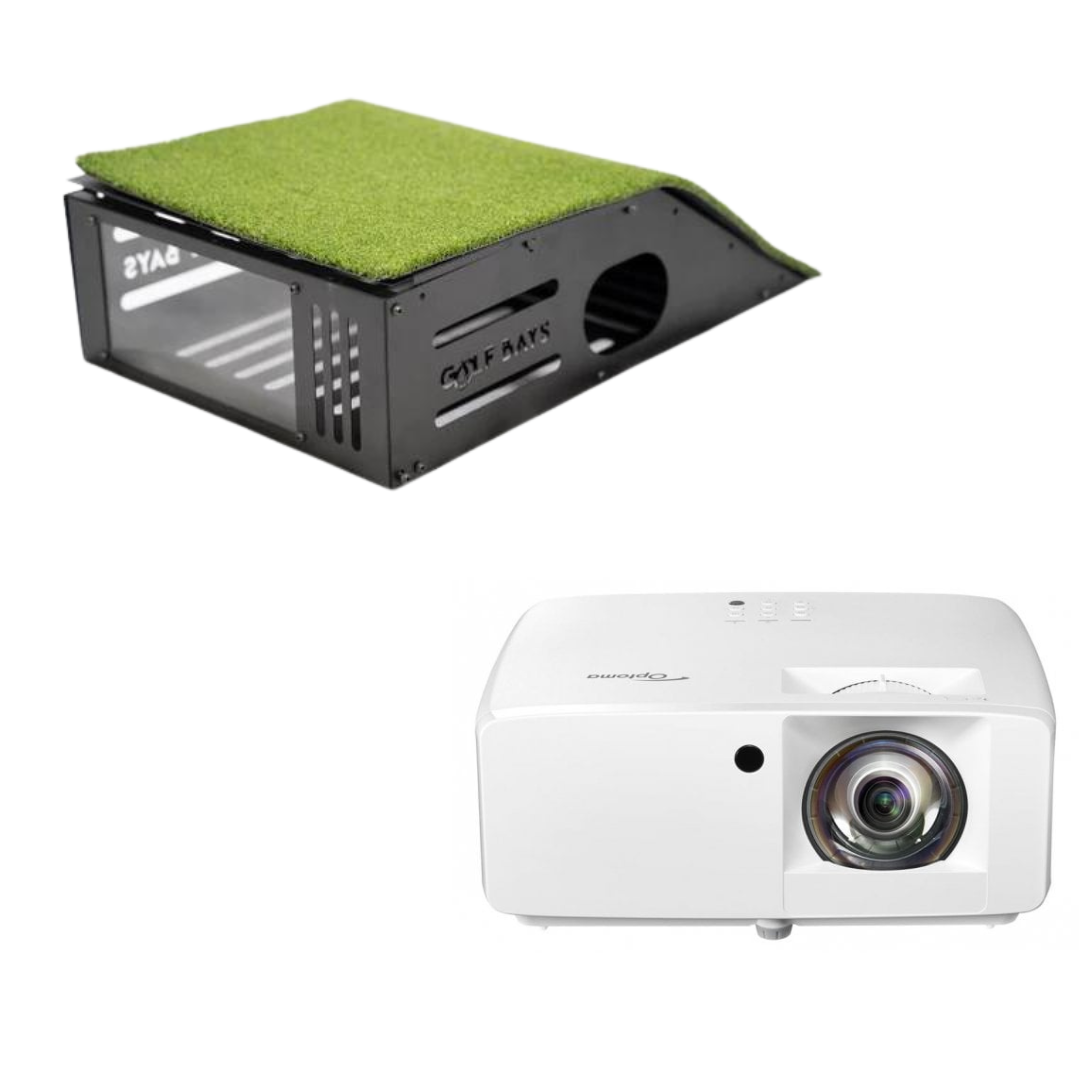
Fantastic quality, easy to install and fast delivery. Could not ask for much more. We also purchased a projector and protective enclosure that are brilliant. Creates a very professional looking set up.

Luke M.

Weather is no longer a problem for me, I can be in my garage and on the 7th at Augusta at the same time!

B Edwards

The box was delivered very quickly including customs clearance, perfect.The SimBox exceeded my expectations, black ball protection very noise-insulating, Impact Screen Pro+ very good for Full HD.Thanks to the video tutorial, it can also be set up alone, but much more relaxed with two people.Simply perfect, highly recommended, thanks to the 6 sizes there is always a place at home, as long as the room height fits.Very convincing qualityIn short: brilliant for the home simulator

Markus K.

Great quality, easy to assemble was hitting balls within hours of delivery which was within 48hrs. Require a few more items to complete the perfect room. Will use again.

Mark W

Nice and easy to get set up. A few minor issues with software but easily sorted with a quick call to the team at golfbays. I recommend TGC2019 for game play. Not tried Skytraks own courses but I believe they are good.

Peter H

Happy with the quality of the turf and would highly recommend to others.

Scott W

This is an exceptional machine with fast delivery and outstanding customer service from Golf Bays. It’s my second purchase from Golf Bays, they deliver top marks all the time and I would highly recommend!

Jonathan

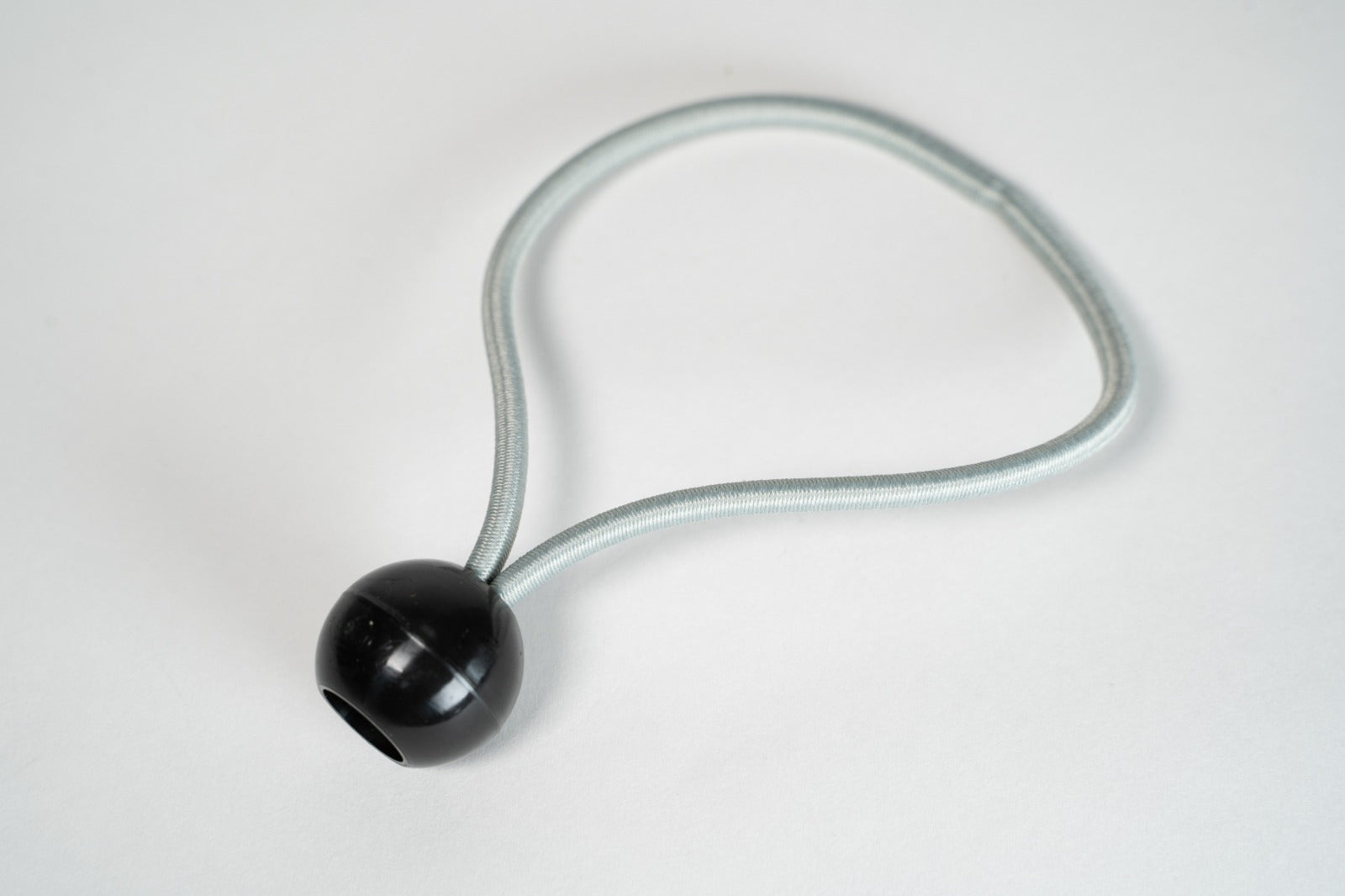
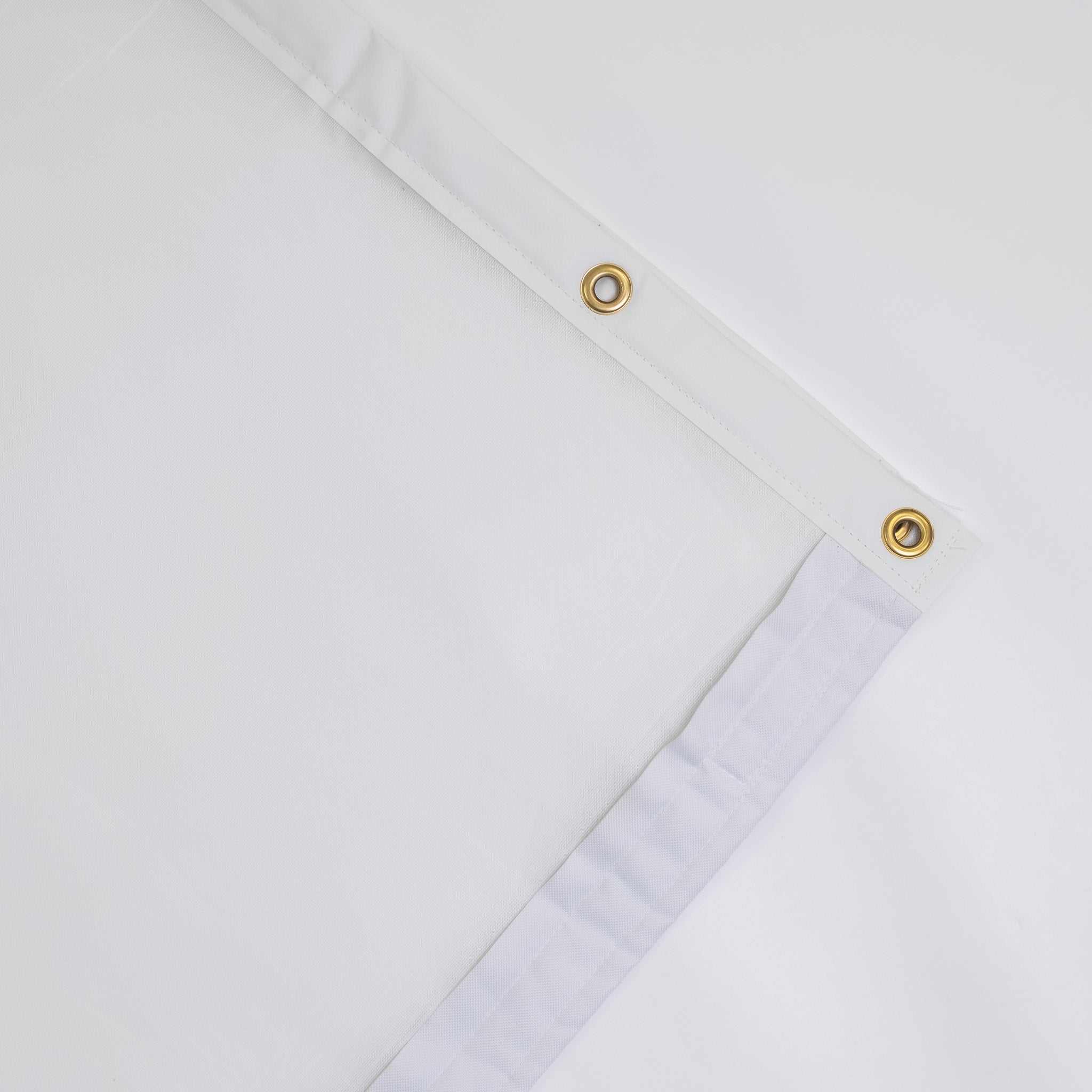
Just Installed this new Pro+ screen at my commercial golf simulator. The difference between the old one and this new one is astounding. Not only is it much quieter but the image projection is so much more clearer. It is installed quite tightly using the Bungee balls but there is no significant bounce back.I unequivocally recommend the Pro + impact screen.

Adam S.

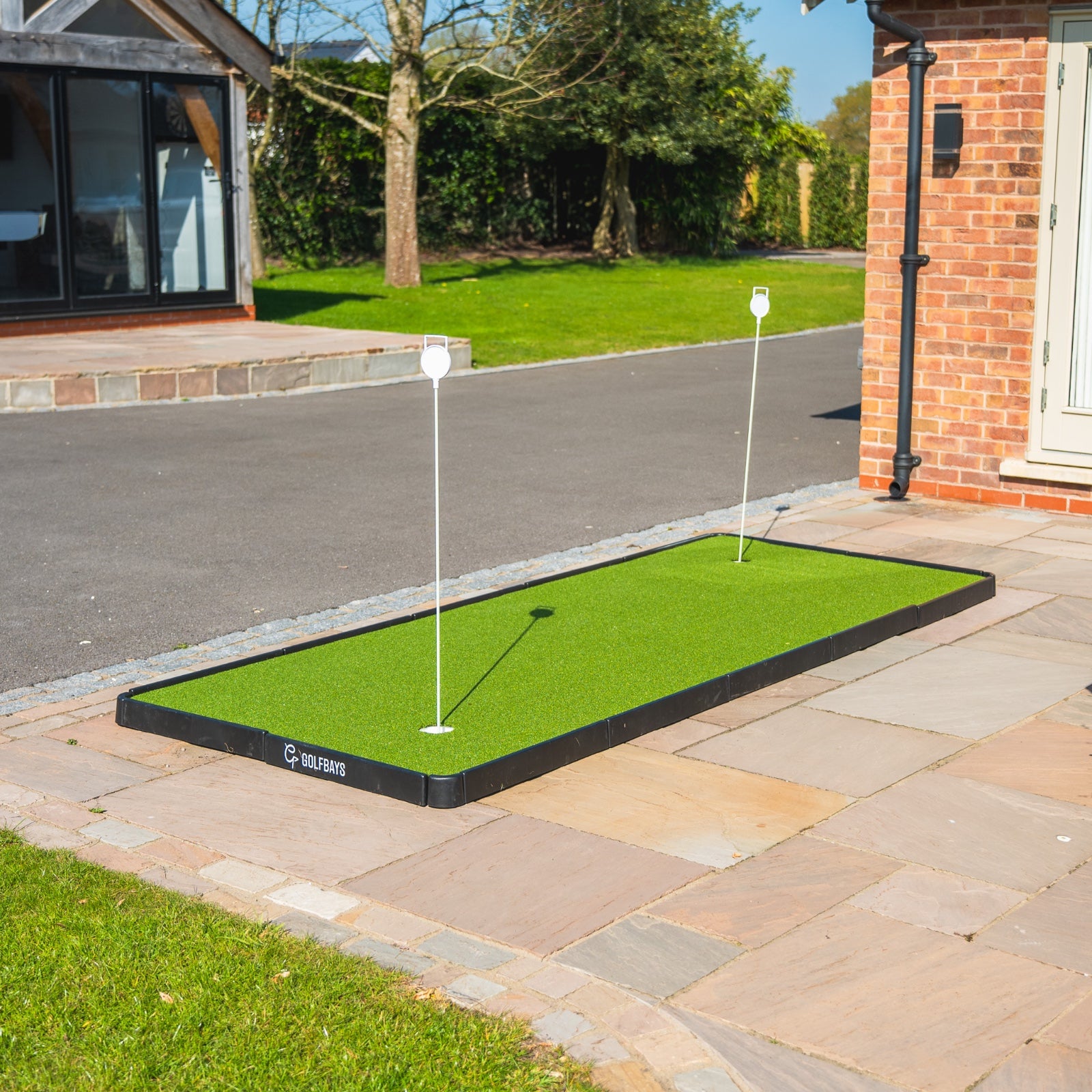
The golf team enjoys practicing with the Puttout training mat. More practice means better putting on the course. The quality of the product is excellent.

Boliver

SHOP OUR BEST-SELLERS